
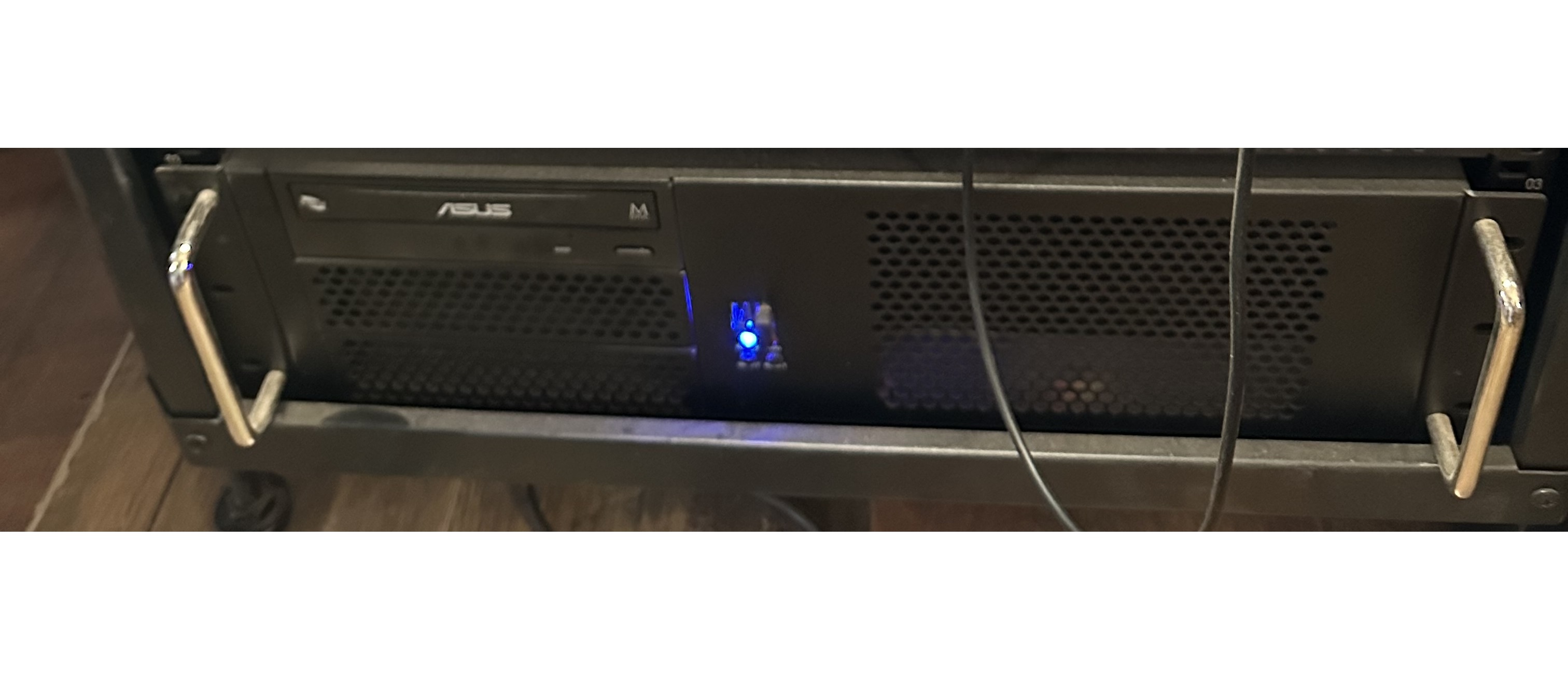
Some of you may remember I was having a lot of issues with my audio PC and that it kept crashing, programs were shutting down randomly, and even resetting things was nigh on impossible. I also had the laggy mouse and keyboard problems even when the thing was working.
Well, I am happy to report – fingers crossed, touching wood, and any other plea to the almighty – things seem to have been resolved for quite a while now.
So, what did I do?
There were a couple of issues, manifesting in the almost inability to get anything done, or achieve any degree of productivity at all.
The main issue, the computer keeping on restarting, crashing, closing programs randomly, corruption of system files and stopping the ability to even scan the system files or reinstall windows was obviously the biggy here.
I noticed that Microsoft Office 365 kept on crashing and corrupting files. As nice as having office was, I looked at an alternative. I used to use Linux exclusively when I was programming for work, and had used libreoffice regularly at that point. So I decided to remove Microsoft Office and switch to using libreoffice.
So, I removed Microsoft Office, reset the PC, and repaired any corrupt system files, and lo and behold the random crashes stopped. I left it for a few days and there was not a single crash. So, I installed libreoffice and despite having to learn a few new ways to continue my workflow everything has been pretty damn stable.
So, it looks like one Microsoft product was causing another Microsoft product to become unstable. Go figure.
I am now very happy with the stability of my computer and I have been able to work without the constant interruptions to productivity for a while now. Fantastic.
The other gripe that I had was the lag on the mouse and keyboard and it cutting out completely sometimes. I had switched to a wired keyboard and mouse that worked perfectly but had these wires getting in the way all of the time.
I bought a new bluetooth keyboard and mouse without a dongle and experienced the same problems.
I then considered things more carefully. I had a USB 3 connected external drive attached, which is known for causing interference on the same frequency that the wireless/bluetooth keyboards use. Also my computer is in a rack underneath the desk and so the bluetooth and the USB dongle were quite shielded from where the keyboard and mouse were.

Solution. I bought an active USB hub which I connected to a USB 2.0 port and ran it to the top of the desk where I plugged in the dongle for the keyboard and mouse. Then I removed the external disk drive from the USB 3.0 port and put it into a USB 2.0 port. The transfer speeds are a little slower, but I use it for documents and so is not crucial.
Now the keyboard and mouse do not lag and do not drop connectivity.
A bit of a pain trying to sort these things out, but I am now very happy with how things are working.
Leave a Reply